Your AI companion for repetitive work.

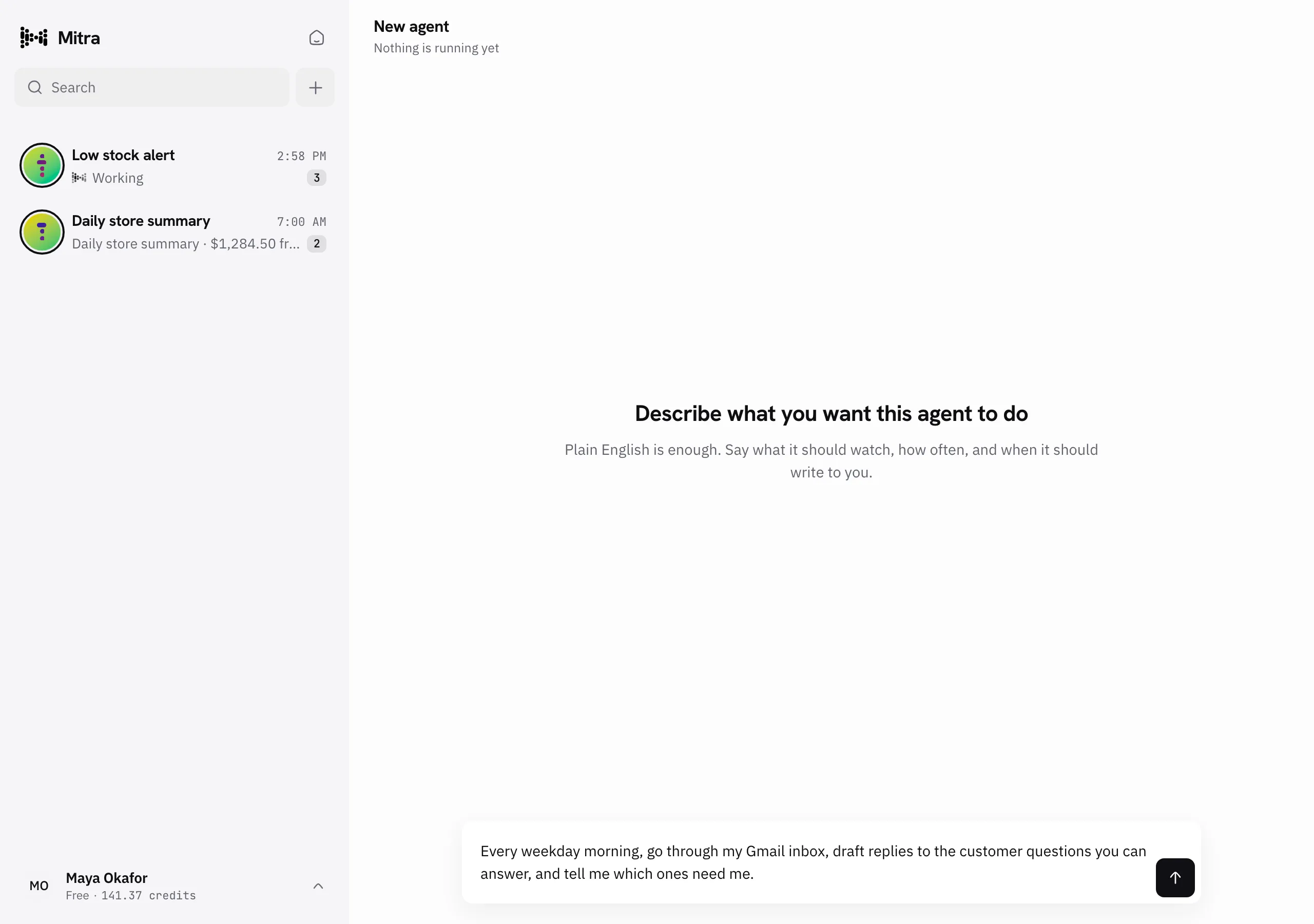
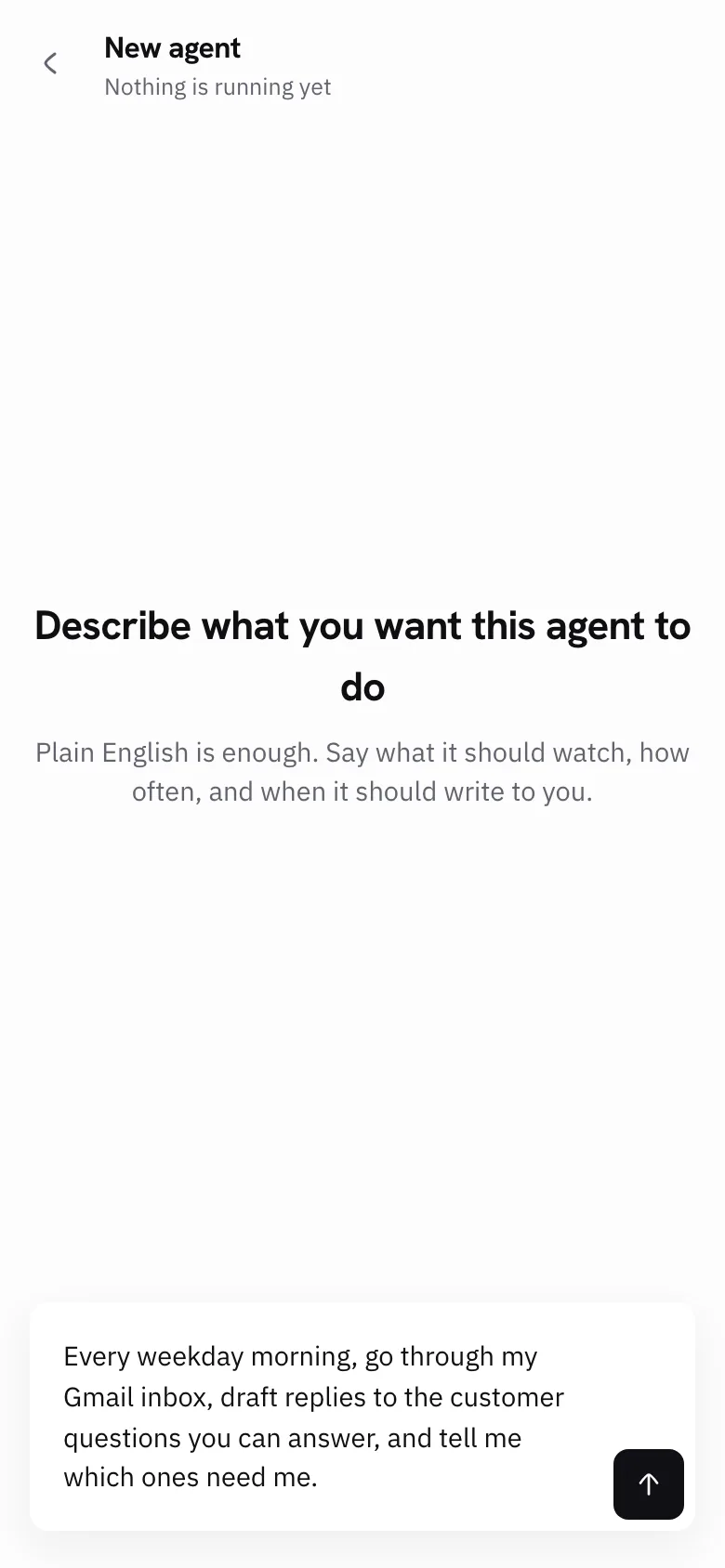
Tell Mitra a job you do over and over. It builds an agent that does the job for you, in the apps you already use.

200 credits to start, on the house
100+ integrations · no credit card required

100+
App integrations
24/7
Runs day and night
200
Free credits to start
0
Lines of code to write
A few of the 100+ apps Mitra can work inBrowse all integrations

The same work,
every single day.

The most predictable hours of your week are also the dullest. They are also the easiest to hand off.

Every morning

Someone reads the whole inbox by hand to write the standup summary.

Every new lead

A form comes in, and waits for someone to retype it into the CRM.

Every Friday

Someone builds the weekly report by hand. Copy, paste, reformat, repeat.

Each of these tasks is work you’d give to a companion, if you had one. Automation tools promise to be that companion. Then they give you a canvas of boxes and arrows to wire up and keep working. You never wanted a diagram. You wanted someone to give the work to.

Tell Mitra once. Consider it handled.

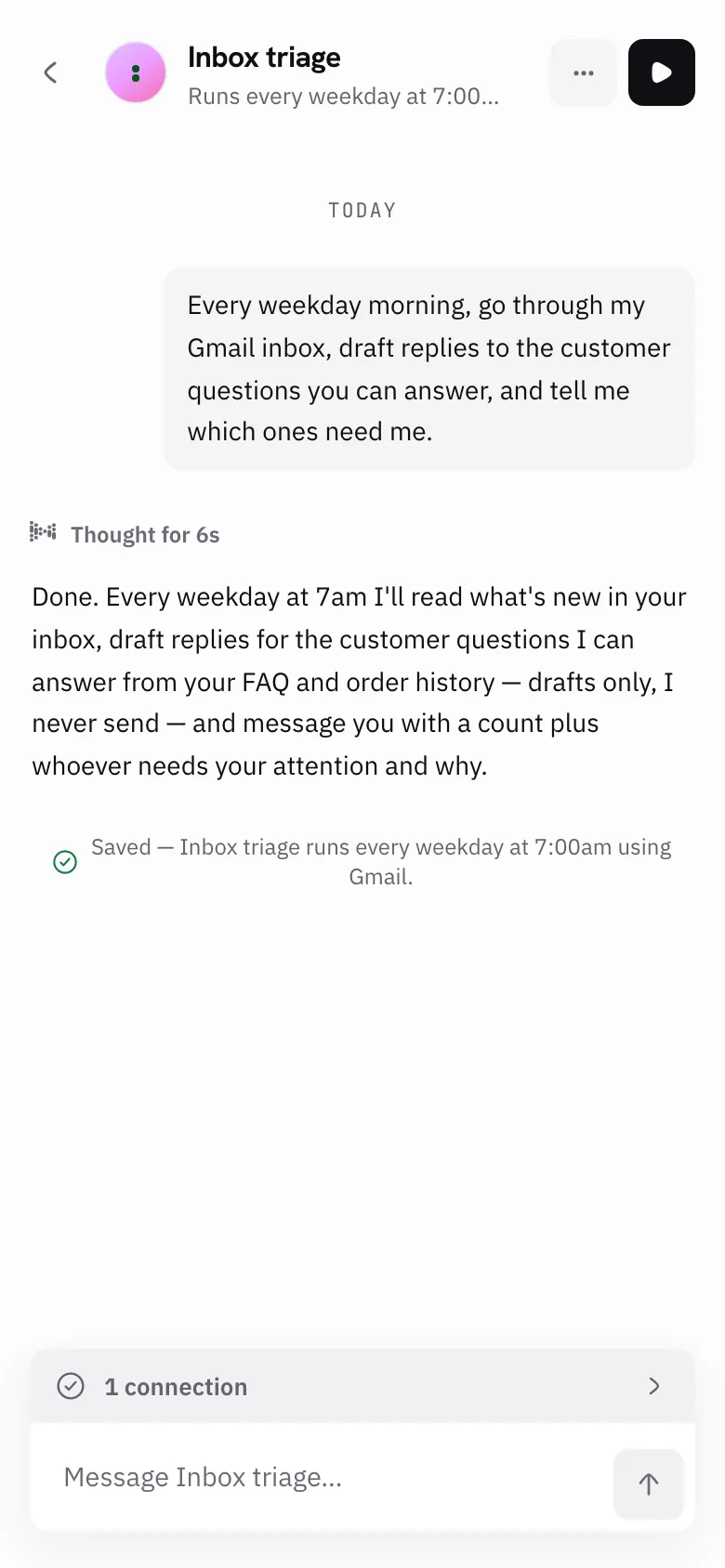
No builder to learn, nothing to wire together. You explain the job the way you’d explain it to a new teammate. Mitra works out the steps, the apps, and the timing.

  1. Tell Mitra the job

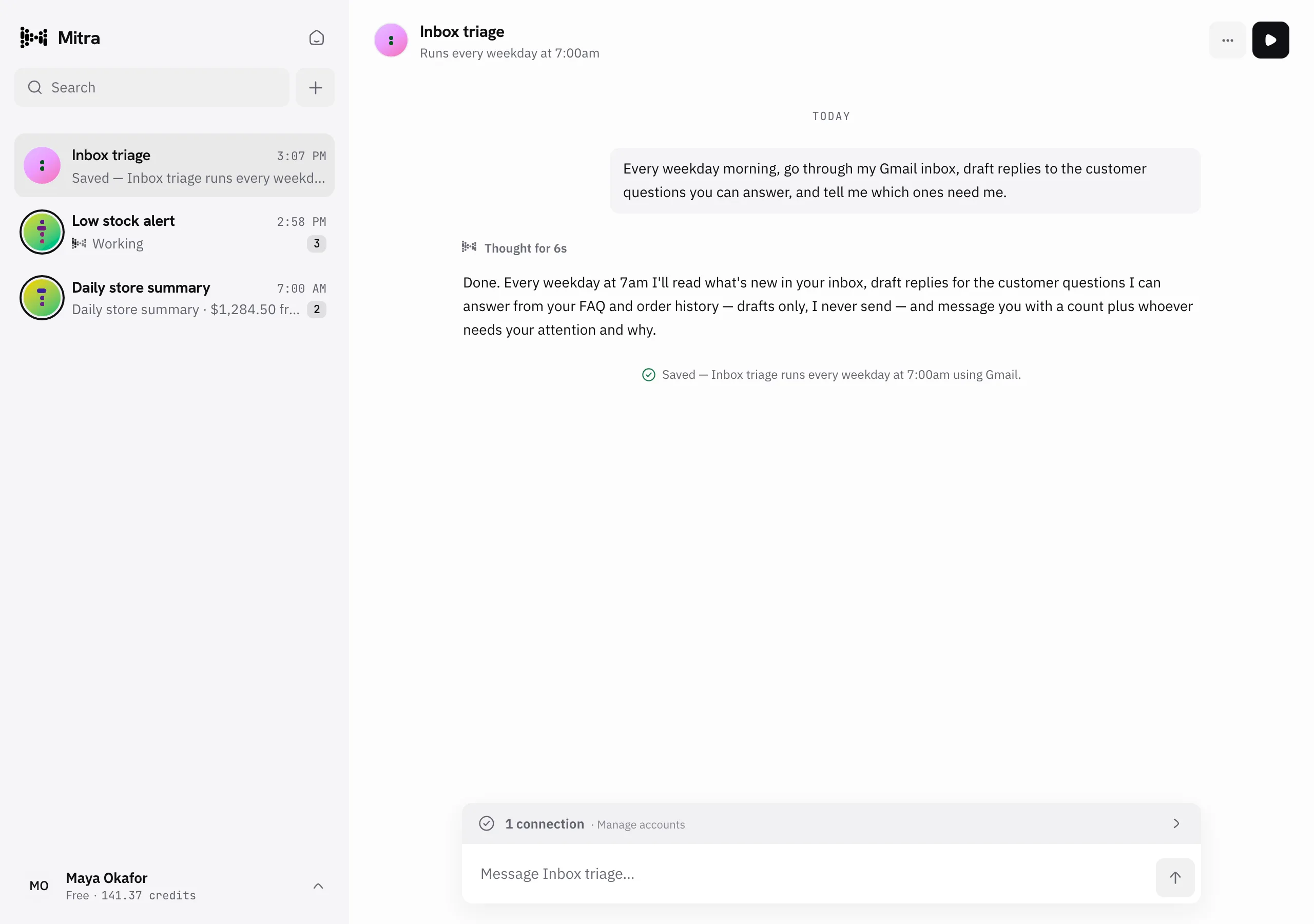
    Chat in plain English. Mitra writes the first draft and picks the apps it needs. Then you talk it through together, line by line, until it’s right.

  2. Connect your apps

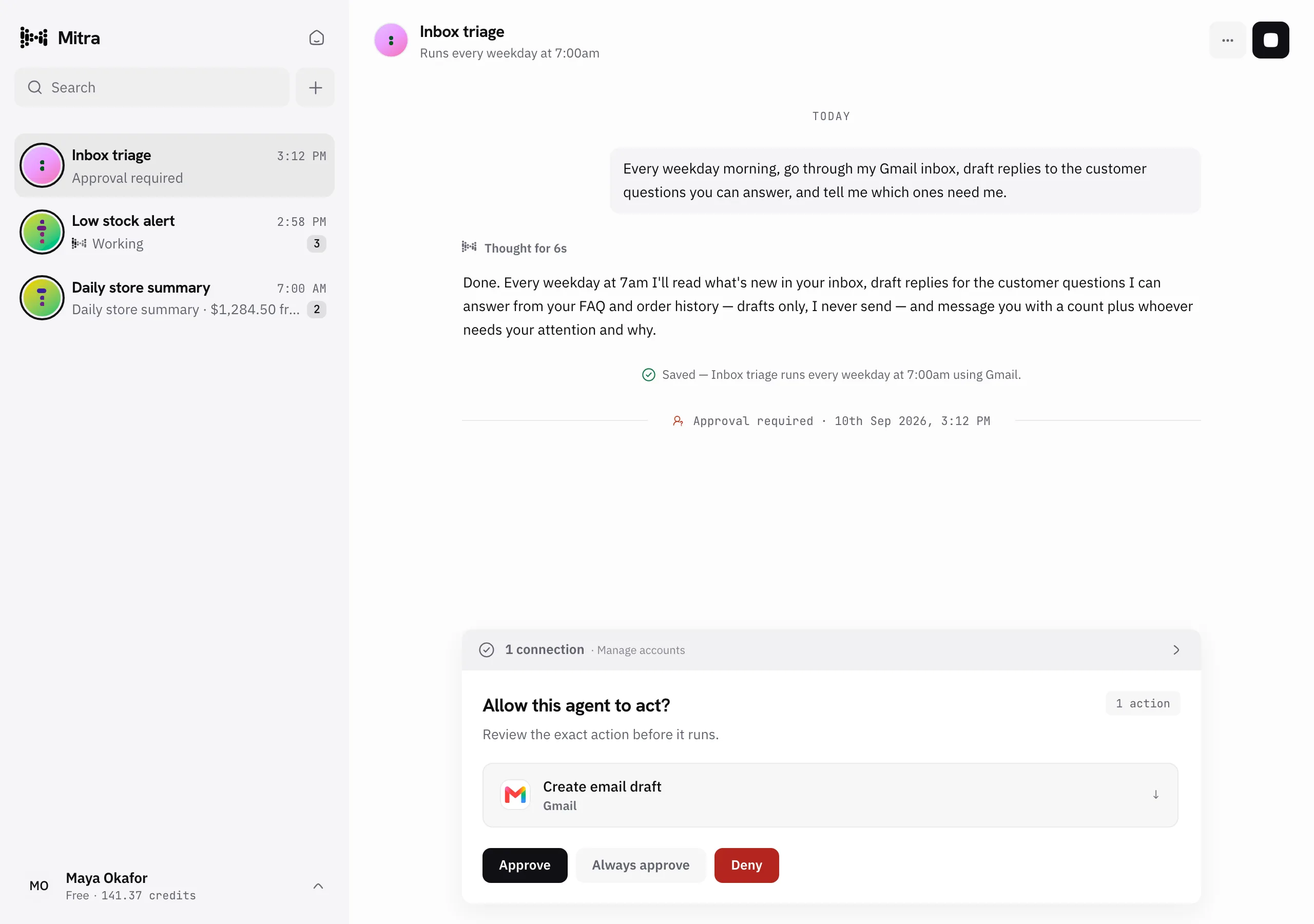
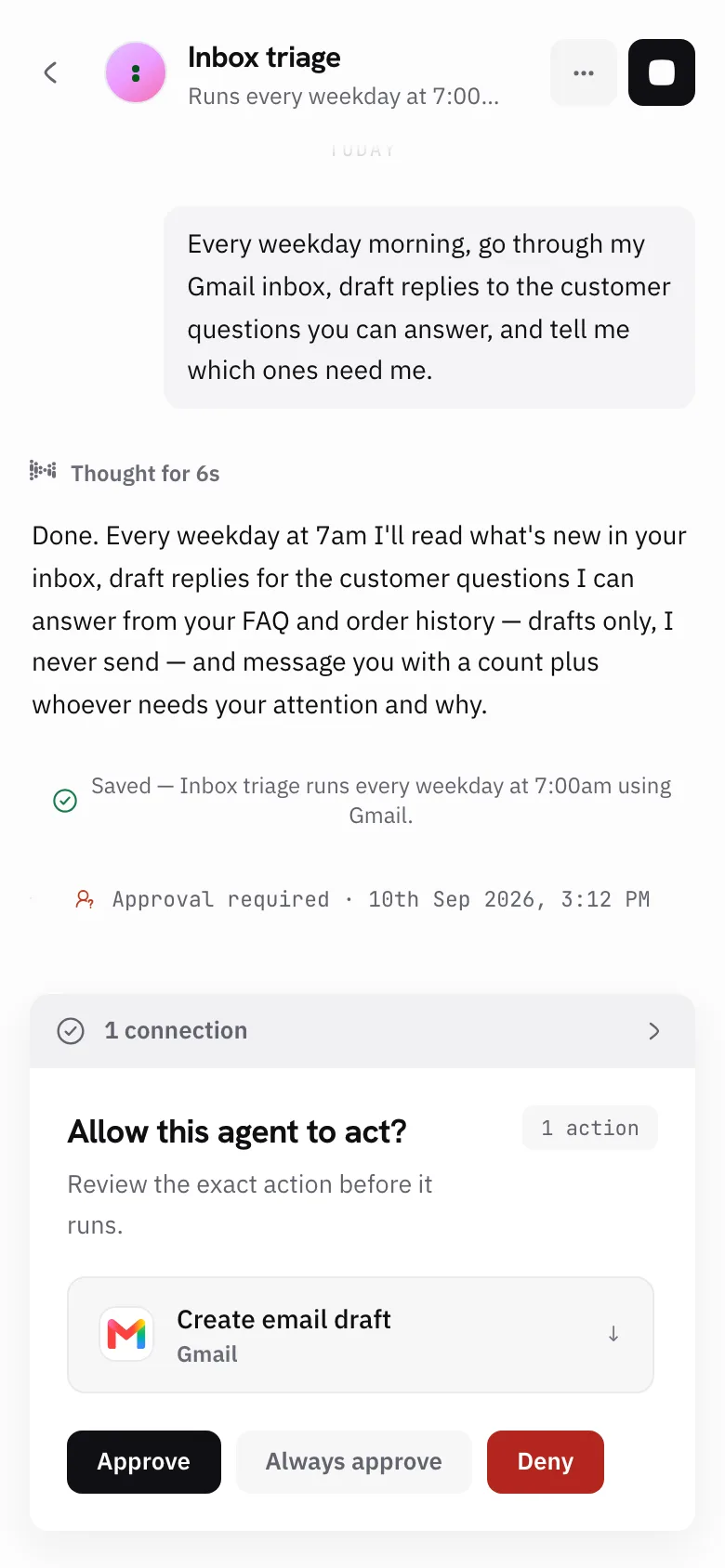
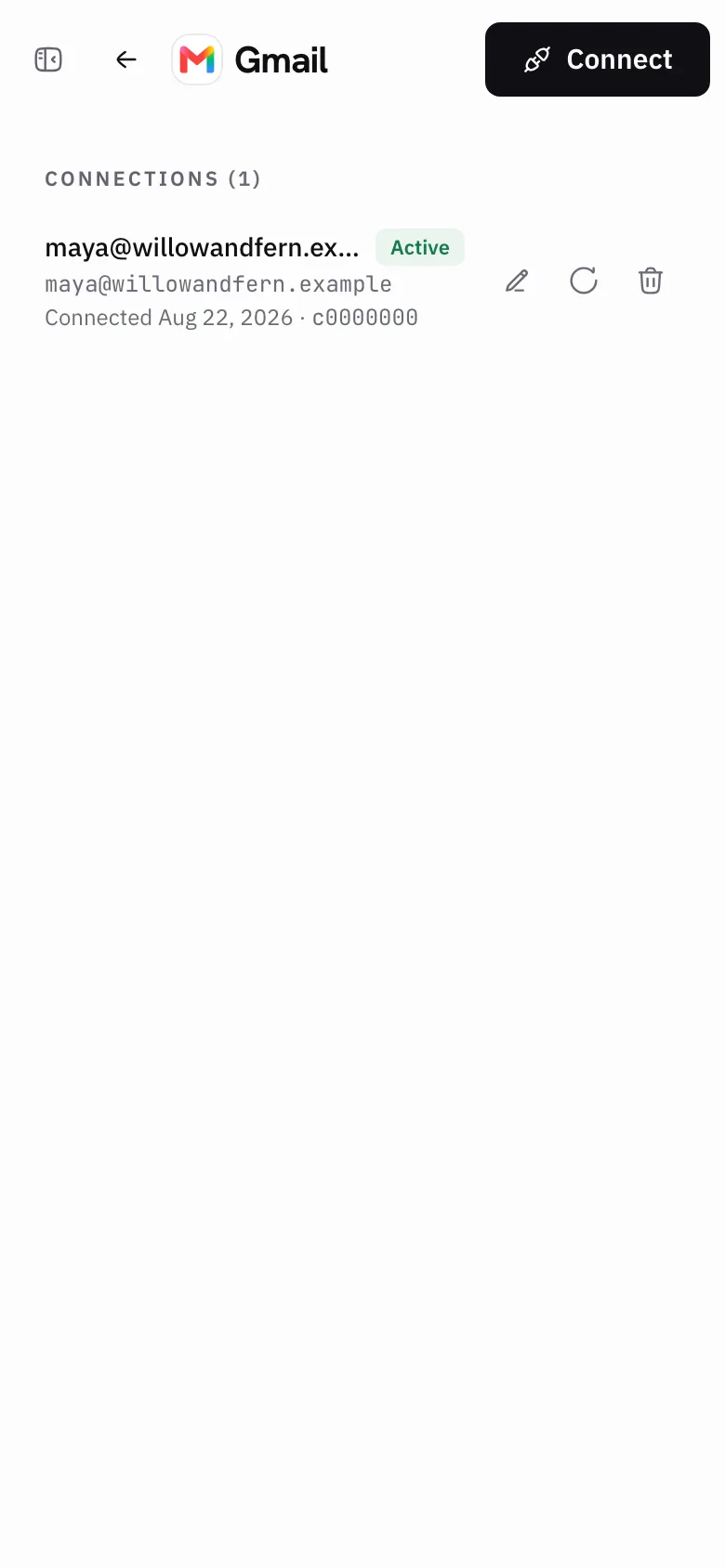
    Sign in to Gmail, Slack, GitHub, Linear and 100+ more in one click. We keep the connection secure. You can disconnect any app at any time.

  3. It takes it from there

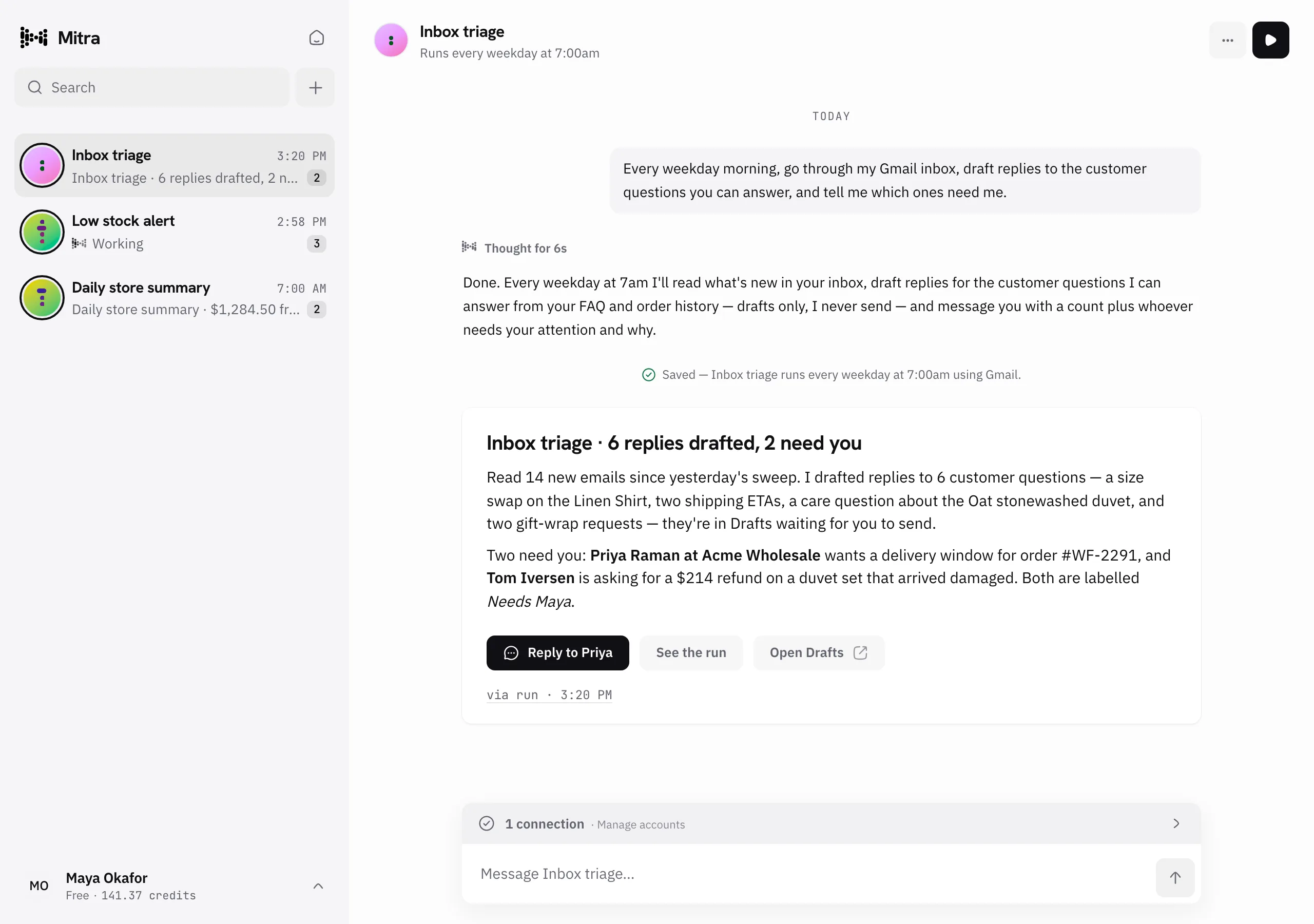
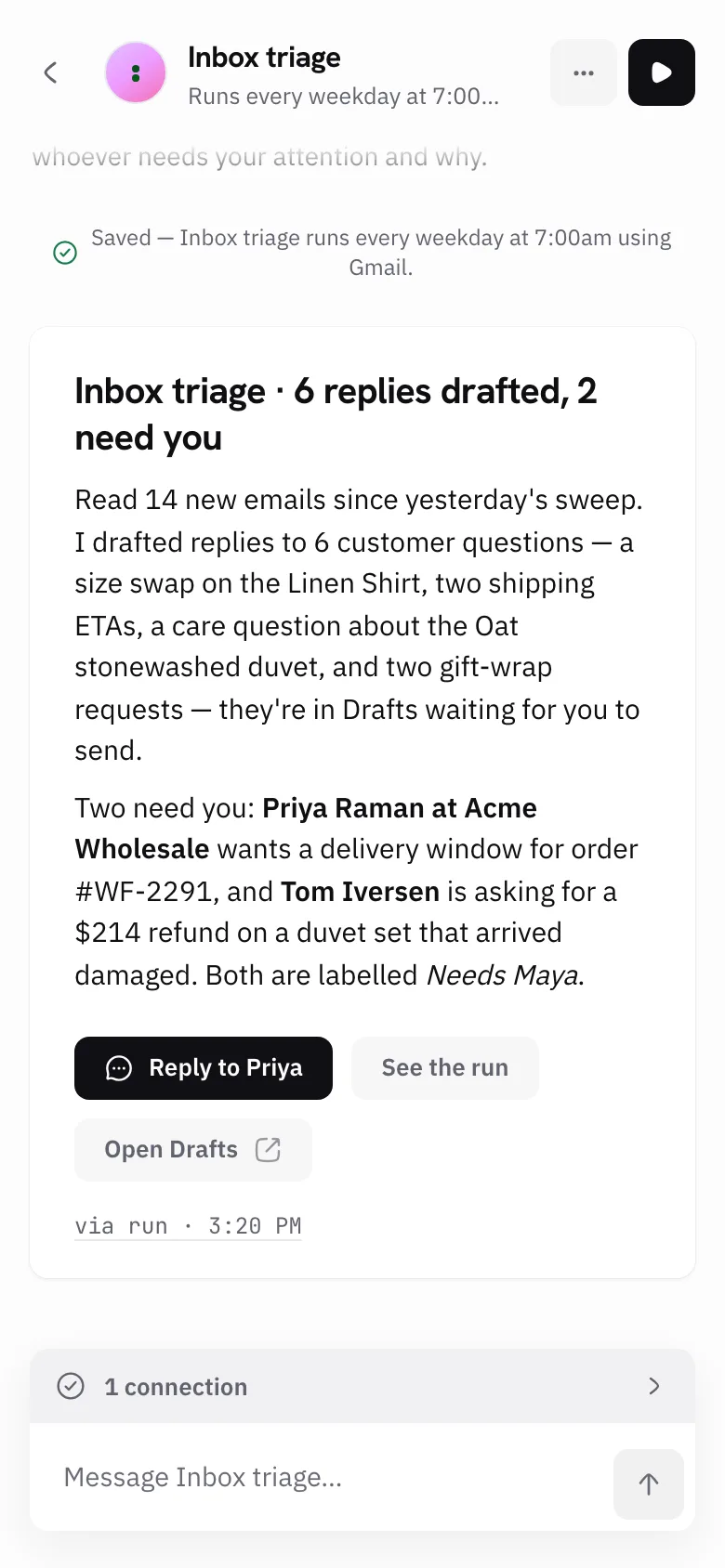
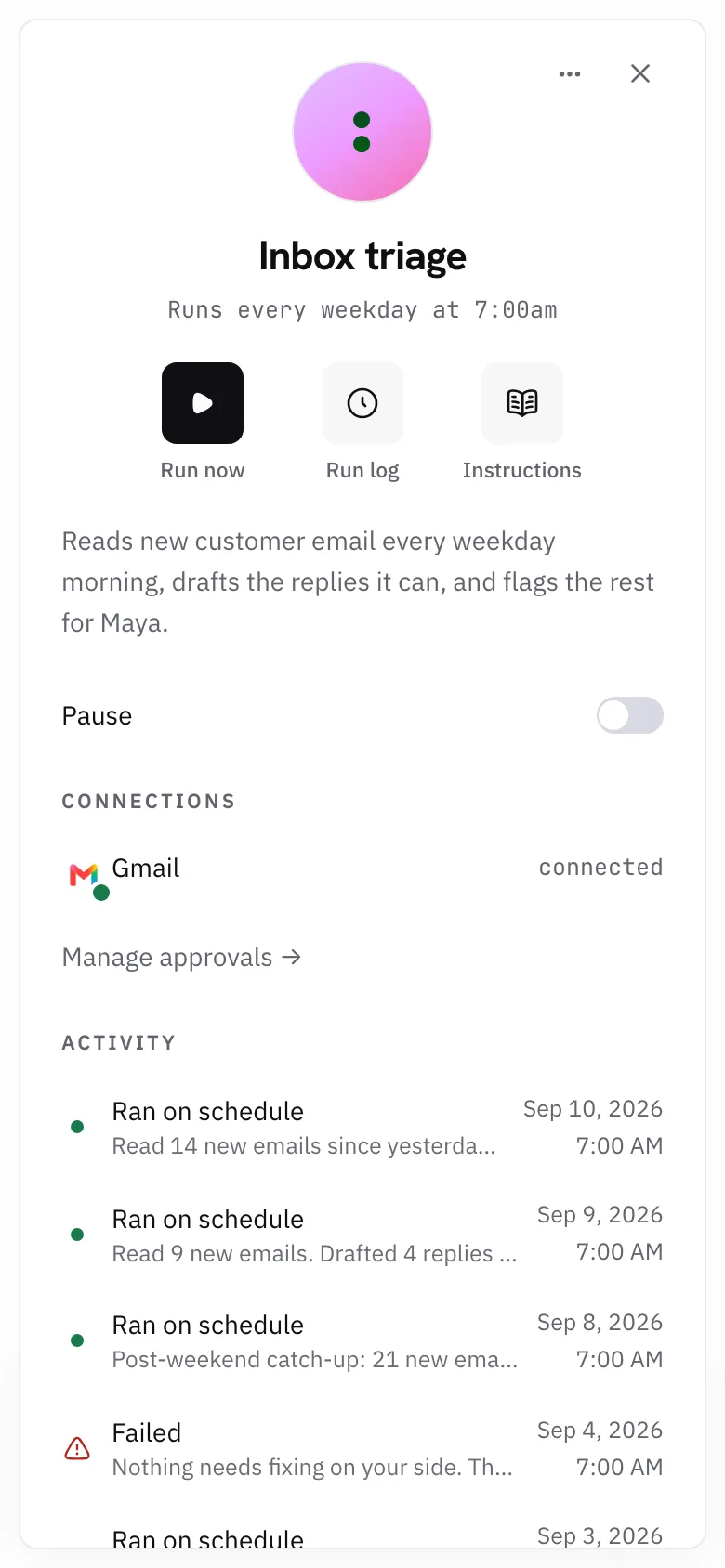
    It runs on the schedule you set, or whenever you ask. You get a record of what it did, every single time.

Everything you’d want in a good companion.

A1

Works it out, then does it

Mitra plans the job before it starts, and adjusts when the day doesn’t go to plan. It runs on one of the best AI models available, already set up for you. You never pick a model or write a prompt.

A2

Keeps to a schedule

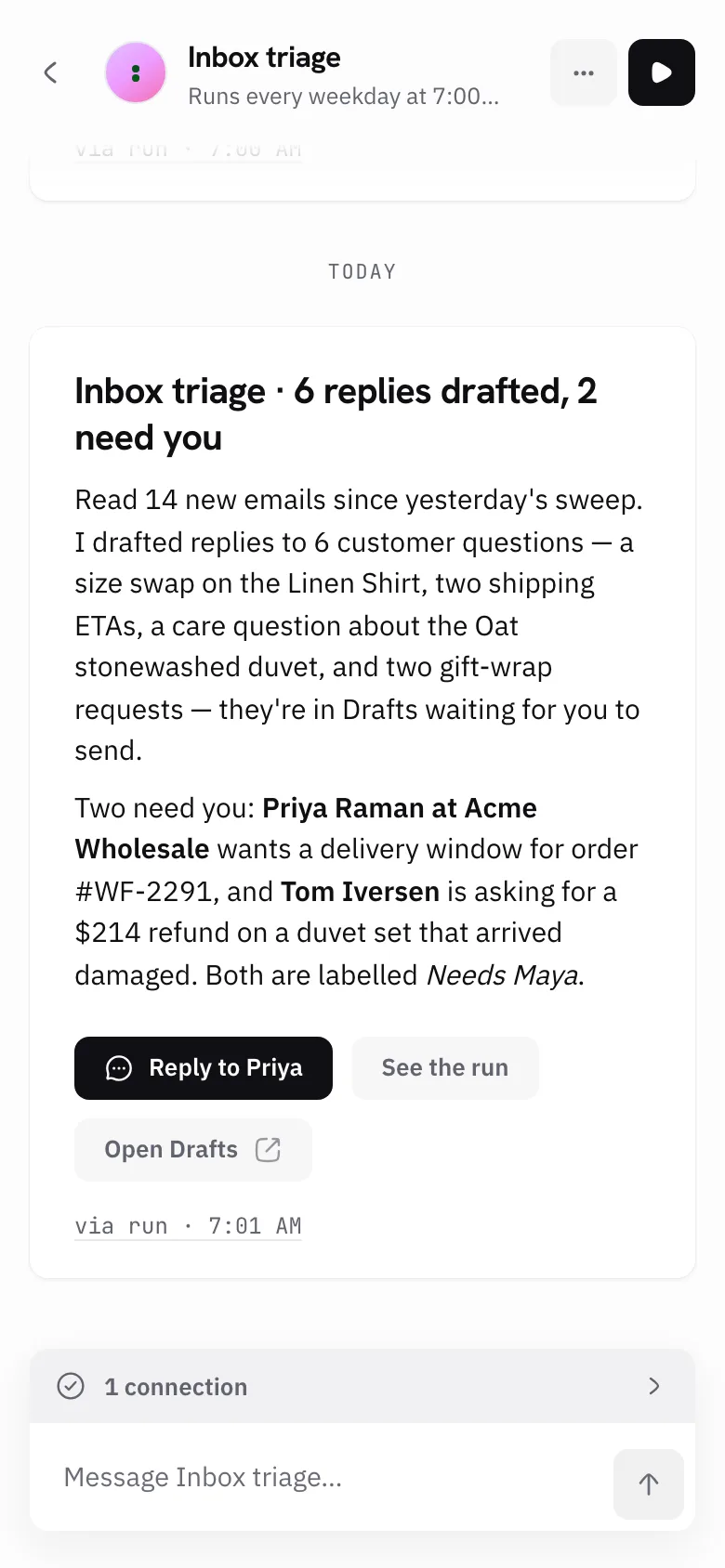
Give it a time to run, or start it by hand whenever you like. It does the work and tells you what happened, in a summary you can actually read.

A3

Plugs into 100+ apps

Connecting takes one click. Mitra doesn’t just read your apps. It writes, sends, files and updates, the way a person would.

A4

Costs nothing when idle

One wallet, and you spend from it only when work happens. No seats to buy. No subscription ticking away while nothing runs.

A5

Shows its work

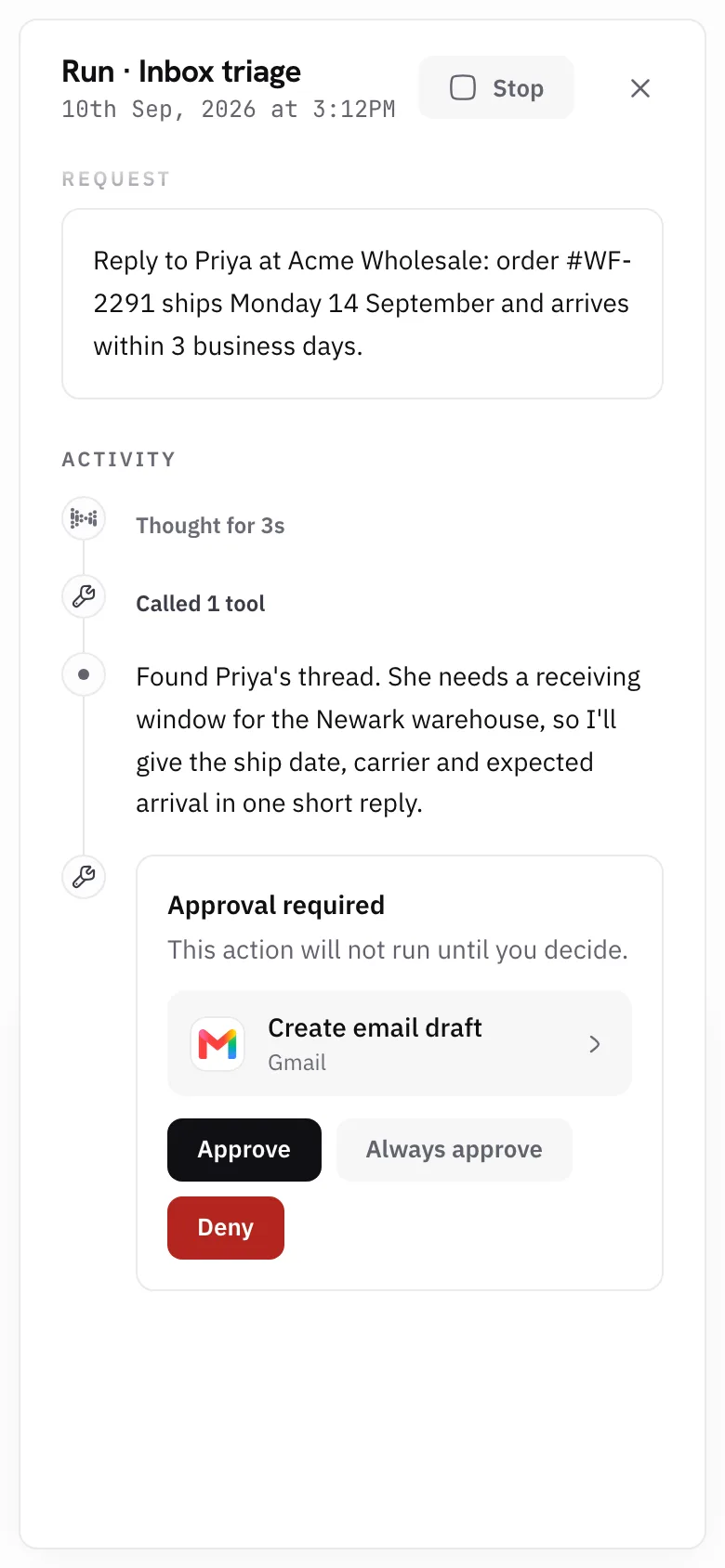
Open any run and read every step it took. Charts show where your credits went, by agent and over time. You are never left guessing.

Everything you’re probably wondering.

Do I need to know how to code to use Mitra?
No. You describe the job in plain English and Mitra picks the apps, writes the instructions, and sets the schedule. There is nothing to wire together and nothing to install.
What apps does Mitra integrate with?
Mitra connects to over 100 apps, including Gmail, Slack, GitHub, Linear, Notion, Google Sheets, HubSpot, Salesforce, Jira, Asana and Stripe. Connecting takes one click: you sign in, approve access, and you're done. There is no setup on your side.
Is it safe to connect my accounts to Mitra?
Yes — you sign in on each app's own page, so Mitra never sees your password. Mitra only touches the apps you connect, you can disconnect any of them at any time, and every run is recorded so you can see exactly what happened.
Can I edit an agent in Mitra after it's built?
Yes, at any time. Change its name, instructions, apps or schedule whenever you like, or just tell Mitra what to change and Mitra makes the edit for you. You can pause or delete any agent in one click.
What if an agent in Mitra gets something wrong?
You can read the run back step by step to see where it went wrong, then tell Mitra what to fix. You can stop an agent at any point, and Mitra only ever touches the apps you connected.
How is Mitra different from other workflow builders?
Zapier, Make and n8n all hand you a canvas: you pick the trigger, place each node and map every field, then pay per task, per operation or per run. Mitra has no canvas — you describe the outcome and the agent works out the steps as it goes.
Should I use Mitra or ChatGPT?
Both — most people who use Mitra keep ChatGPT open all day. ChatGPT is where you think and draft, and ChatGPT Work will run a few scheduled tasks alongside your chats. Mitra is where work that repeats forever lives: standing agents with their own schedules and connections, billed per run rather than per seat.
Should I use Mitra or Claude?
Both — Mitra sits alongside Claude rather than replacing it. Claude is for work that needs your judgement in the loop, and its Routines schedule unattended runs inside Claude Code, where a routine pairs a prompt with a code repository. Mitra takes that idea to Gmail, Slack and your CRM, for people who don't know how to code.

Hand over the work you keep repeating.

Your first agent is one sentence away.

Get started free

200 credits to start · no credit card · nothing to install